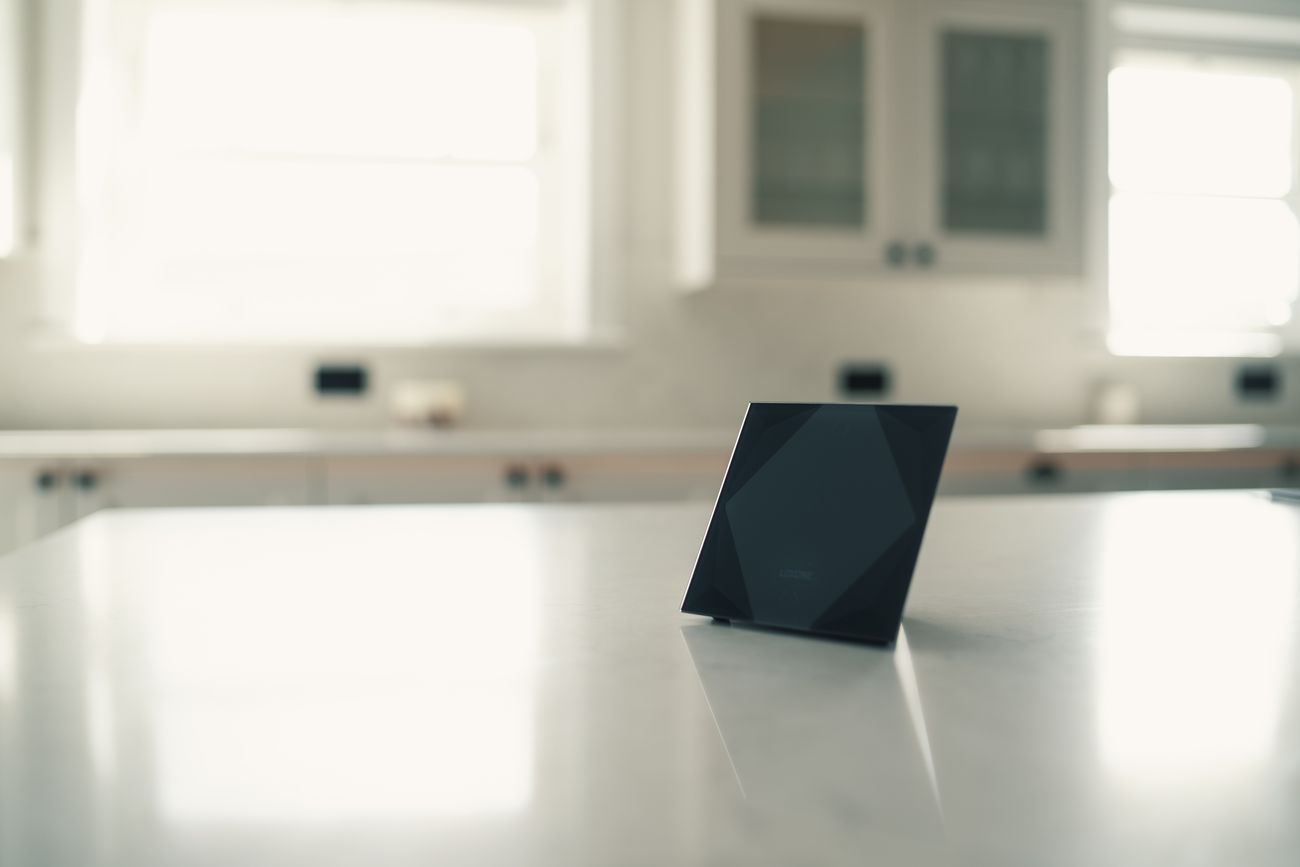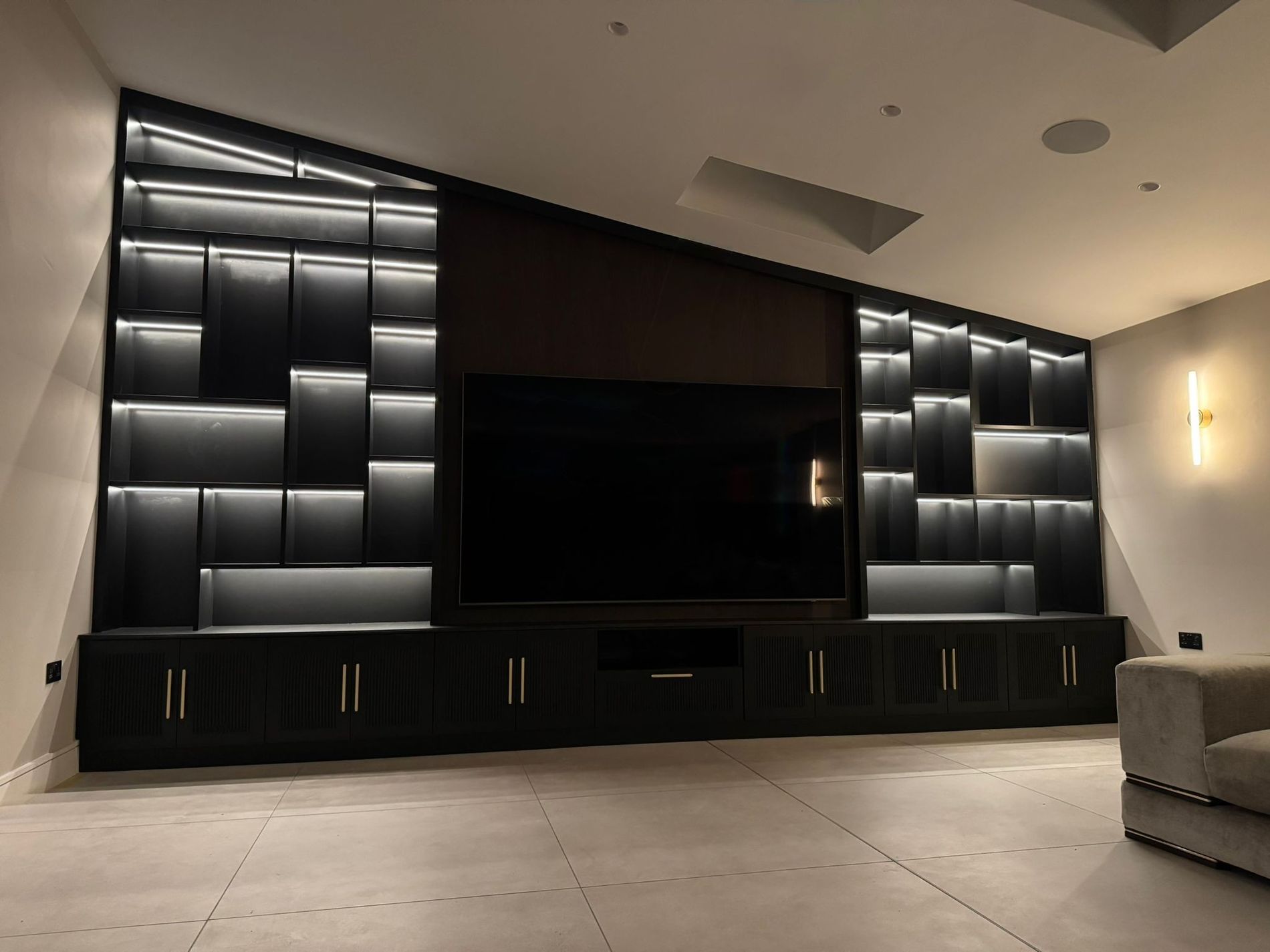
A Loxone system runs locally, so it carries on without its installer. The real risk is that nothing can change until someone new understands it. Here's the order to tackle that in.
First, the good news
It happens more often than you'd think. The firm that installed your Loxone system has stopped answering the phone, gone bust or moved on, and you're left with a smart home and nobody who understands it.
Here's the part that matters: a Loxone system runs locally, in your building. It doesn't need the installer, or their servers, to keep doing what it was programmed to do. Your lights, heating and schedules will carry on as they are. An orphaned system is not a dead system.
What's actually at risk
The risk isn't that the system stops. It's that it can no longer change.
- Nothing can be adjusted. The heating schedule, the scenes, the way a button behaves: all frozen as your installer left them.
- When something does fail, nobody knows how the system was put together, which turns a small fix into detective work.
- If the installer kept the passwords and the project file, you may not be able to get into your own system at all.
- Whatever documentation existed probably left with them.
What to gather now
Before anything goes wrong, collect what you have. Owners usually have more than they think.
- Paperwork from the original install: quotes, specifications, manuals, invoices, anything with the installer's name on it.
- Logins: the app account on your phone, any usernames or passwords you were given, however minor they seem.
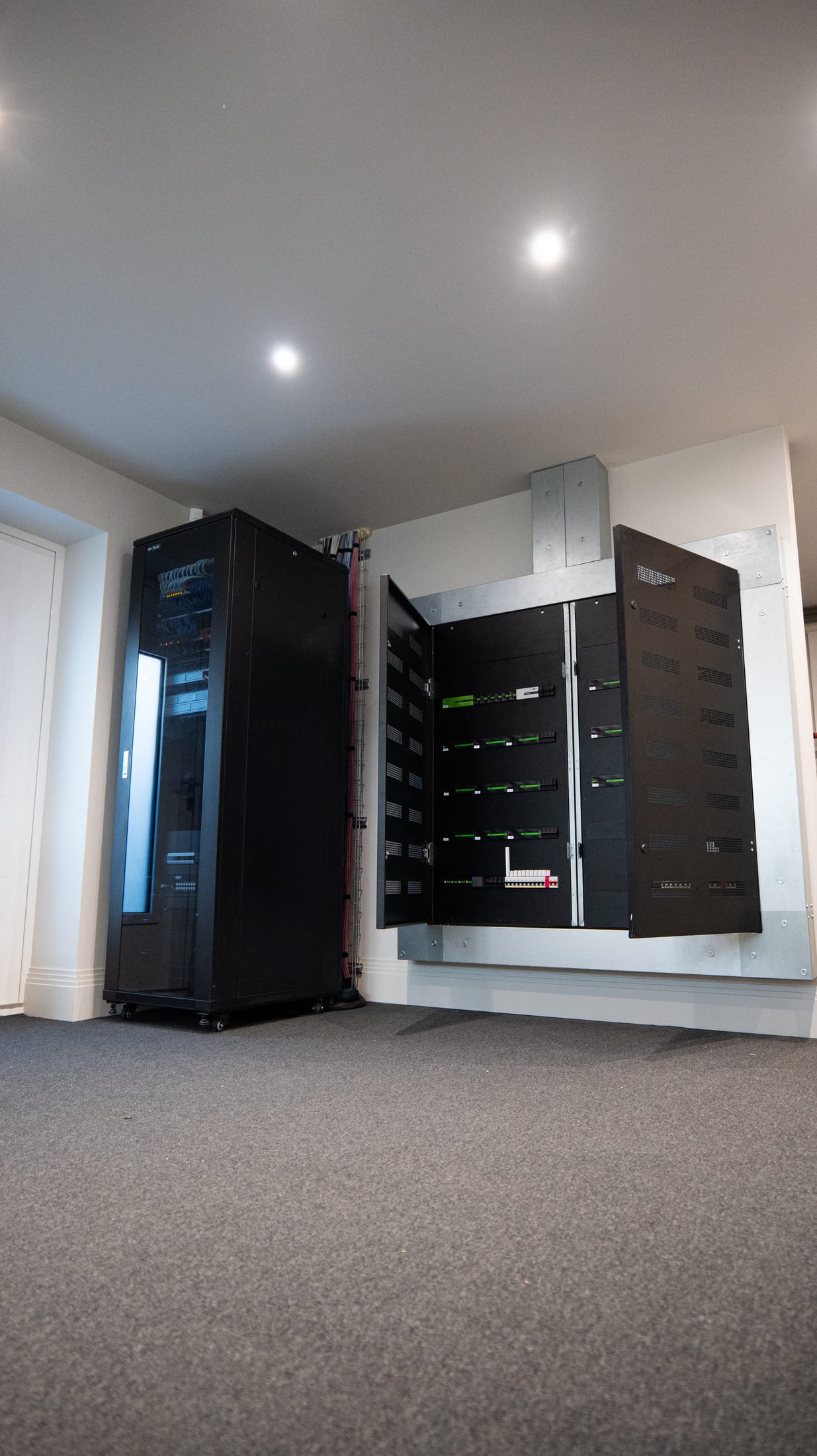
- Photos of every control cabinet, in every room, cupboard and outbuilding.
- Any USB stick, email attachment or file the installer ever sent you. The project file, which holds the system's programming, sometimes turns up in an old email.
The order to tackle it in
1. Don't change anything yet. Above all, don't factory-reset anything. A reset can wipe the programming, and without the project file there may be no way to put it back.
2. Work out what you have. Your cabinet photos plus a simple list of what the system controls, room by room, is enough for a specialist to identify the system and its size.
3. Decide what you actually need. Some owners just want somebody to call when things break. Others want changes, or a system that finally works the way it should. Knowing which conversation you're starting saves time.
4. Get it assessed properly. A fixed-price system audit inspects the Miniserver, the wiring, the programming and whatever documentation exists, and gives you a written report in plain English that ranks every issue by priority. From there you decide what, if anything, to fix.
What a rescue looks like
Taking over other installers' systems is a normal part of our work, not a favour. We audit what's there, recover access where we can, document the system properly and take over support from here. No lecture about your last installer.
If you want to see it in practice, read the rescue case study: a system we took on with no access, programming set up for the previous owner, and a cabinet nobody could make sense of.